WTCHLIST: A TV Time Replacement
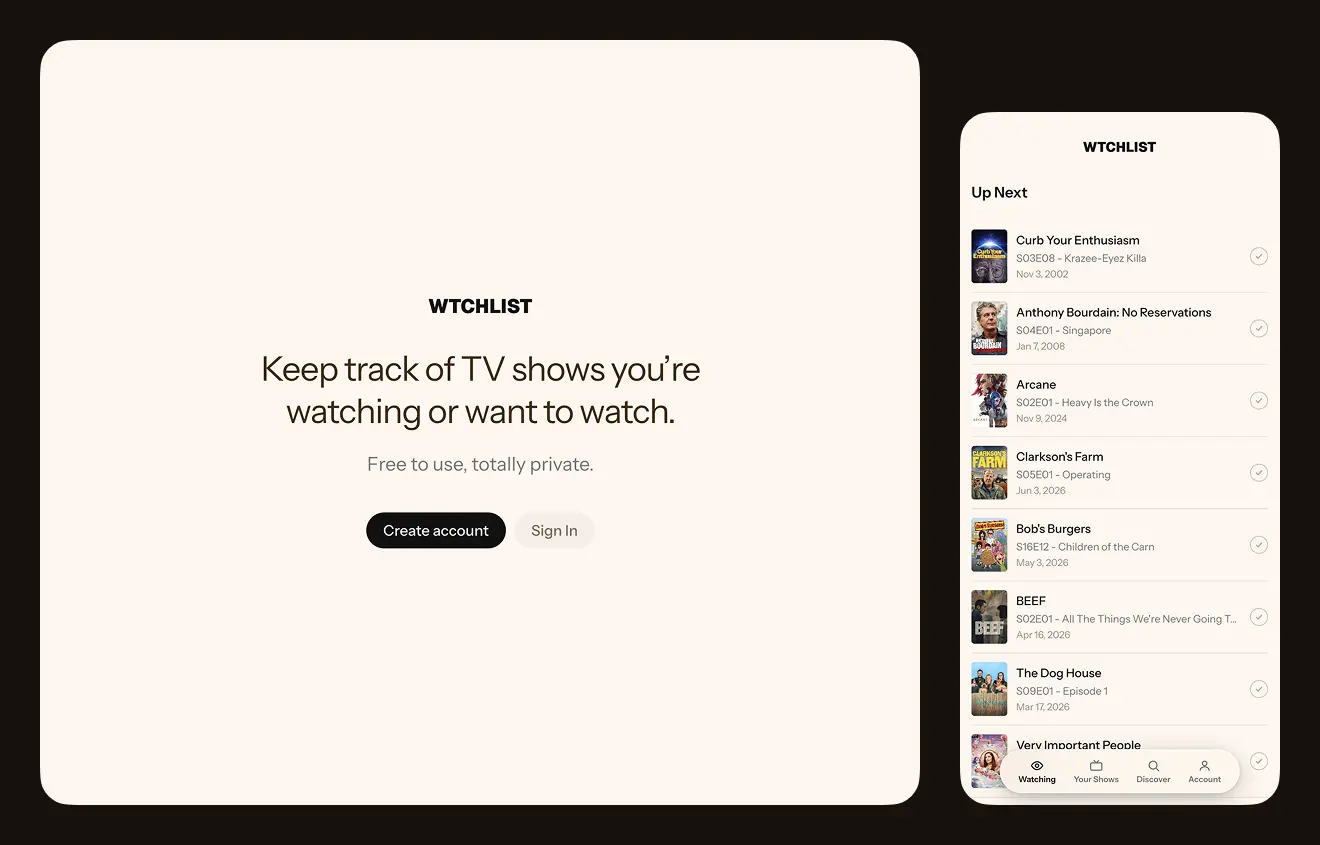
Much to mine and Emma’s dismay TV Time is closing down. We’ve used TV Time for years to follow TV shows we watch, see when new episodes are coming out, and track which episodes we’ve watched. After a week or two of trying to find a replacement I decided to make my own for us to use instead.
Behold WTCHLIST, a free, no-frills, privacy-focused way to track TV shows. Just sign up for an account with your email address and start watching.
How to install WTCHLIST on your device
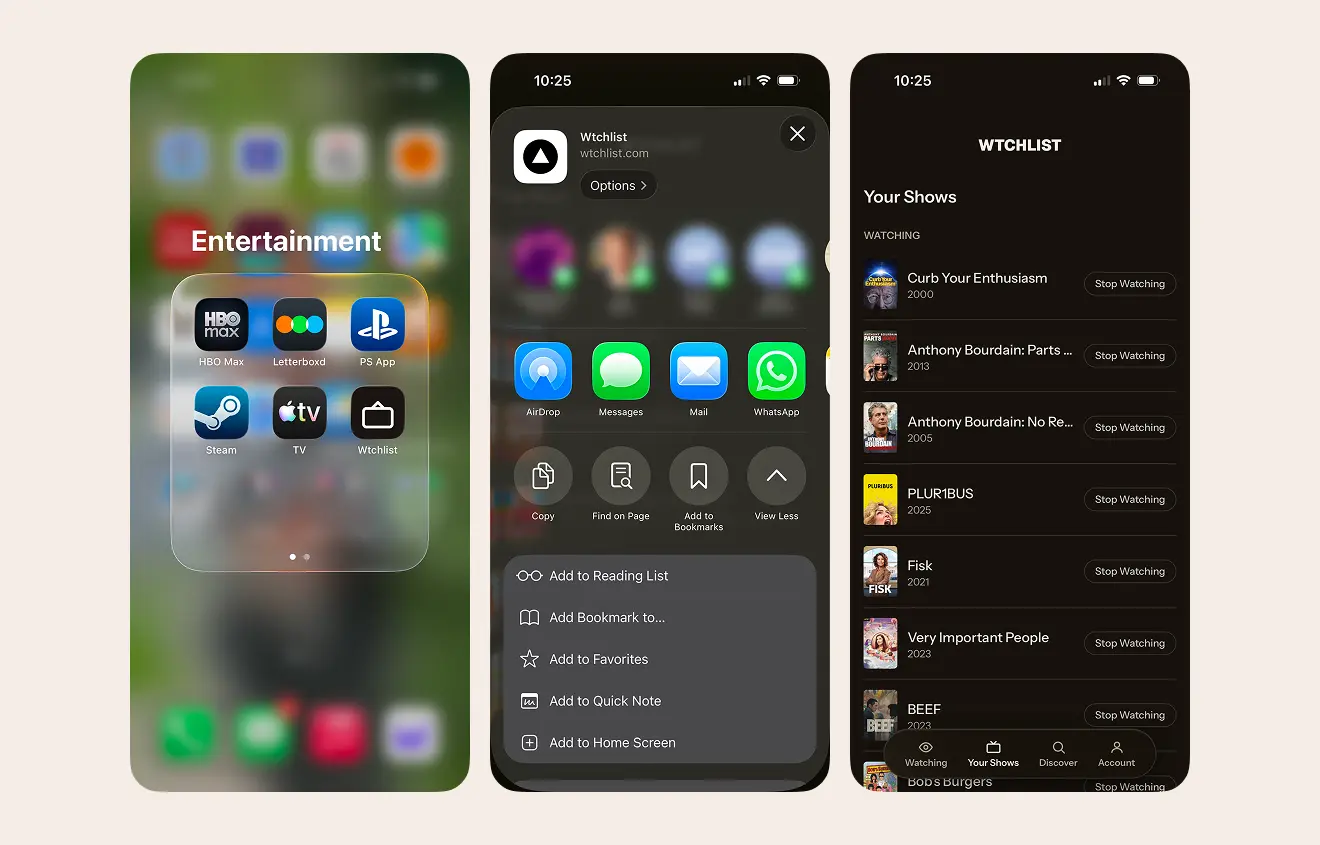
WTCHLIST isn’t an app, but you can install it to your device’s home screen so you can access it as though it was an app. Here’s how.
Install on iOS
Add to your homescreen by hitting the 3 dots in Safari, going to Share, scrolling down in the share panel and hitting “Add to Home Screen”.
Install on Android/Chrome
If you don’t automatically get a notification to add the app to your homescreen, tap the three dots then scroll down to “Install Shortcut”.